Free Product Label Design Tool
Creating a good product label design by hand is slow and error-prone. Poor product sticker design hurts your brand, confuses buyers, and loses sales. Use this free tool to design professional product label stickers in minutes. Just drag, drop, and download.
Loading barcode label designer...
How to Use the Product Label Design Tool?
Follow these simple steps to create your product label stickers in seconds.
1. Choose Your Label Size
Pick from common label presets or enter custom dimensions to match your product label stickers.
2. Add Product Details
Type in your product name, price, MRP, batch number, or any custom text. Add a barcode for scanning.
3. Arrange Your Design
Drag and position each element on the canvas. Adjust font size and alignment for a clean product sticker design.
4. Download and Print
Click Download PNG or Save as PDF. Print your product label design on any regular or thermal printer.
Why Use Our Product Label Design Tool?
Design product label stickers that look professional, print perfectly, and help your products stand out on the shelf.
Visual Drag-and-Drop Product Label Design
You do not need graphic design software. This tool gives you a simple visual canvas for your product label design. Drag text, barcodes, and pricing fields exactly where you want them. See your changes in real time before you print.
Professional Product Label Stickers
Your product label stickers should look sharp and polished. This tool creates high-resolution labels ready for any printer. Add your brand name, product details, and barcodes for a complete professional look.
Custom Product Sticker Design for Any Product
Whether you sell food items, cosmetics, or electronics, your product sticker design needs to be unique. Choose from multiple label sizes, add custom text fields, and arrange the layout to match your brand.
Add Barcodes to Your Labels
Include scannable barcodes on your product label stickers. This tool supports Code 128, EAN-13, UPC-A, Code 39, and ITF-14 formats. Simply enter your product code and the barcode appears on your label instantly.
100% Free with No Signup
This product label design tool is completely free. There are no hidden charges, no watermarks, and no account needed. Open the page and start designing right away. Your data stays on your device for complete privacy.
Print on Any Printer
Download your finished product label design as PNG or PDF. Print on regular inkjet printers, laser printers, or thermal label printers. The tool supports common thermal sizes so your product label stickers come out perfectly every time.
Need More Than a Label Design Tool?
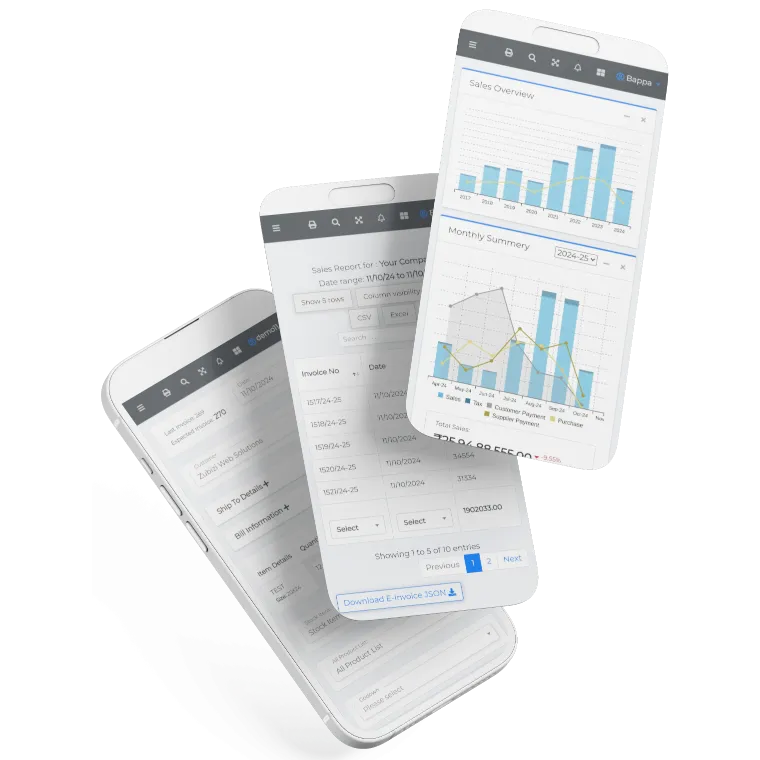
Manage inventory, barcode printing, billing, and product catalogs in one place. Try Zubizi ERP software built for Indian retail and wholesale businesses.

Frequently Asked Questions
Common questions about product label design and creating product label stickers.