Free QR Code Generator Online
Create QR codes instantly for URLs, WiFi, contacts, payments, and more. Watch your QR code update live as you type - no waiting, no clicking required. Supports 8 different QR code types including UPI payments. 100% free, no signup required.
Enter data to generate QR code
How to Use This Free QR Code Generator
Create professional QR codes in seconds. Follow these simple steps to generate QR codes for your business, marketing, or personal use.
Select QR Type
Choose from URL, Text, WiFi, Contact Card, Email, Phone, SMS, or UPI Payment. Each type is optimized for its specific use case.
Enter Your Data
Fill in the required fields for your chosen QR type. Watch your QR code update live with every keystroke.
Customize Colors
Adjust foreground and background colors to match your brand. Choose size and error correction level for optimal scanning.
Download or Copy
Download your QR code as PNG or SVG. Or copy directly to clipboard for quick sharing.
Quick Tips for Choosing the Right QR Type
Features of Our Free Online QR Code Generator
Everything you need to create professional QR codes for your business. No downloads, no registration, just instant QR code generation.
8 QR Code Types Supported
Generate QR codes for URLs, plain text, WiFi networks, contact cards (vCard), emails, phone numbers, SMS messages, and UPI payments. Whether you need QR codes for marketing campaigns, business cards, payment counters, or restaurant menus, our free QR code generator has you covered.
Live Preview As You Type
Unlike other QR generators, your QR code updates instantly with every keystroke. No clicking, no waiting, no page reloads. Just type and watch.
Multiple Export Formats
Download as PNG for web and print, or SVG for scalable graphics. Copy to clipboard for quick sharing in documents and chats.
Fully Customizable
Choose custom foreground and background colors to match your brand. Adjust size and error correction level. Make QR codes that stand out.
No Signup Required
Start generating QR codes immediately. No email, no account, no credit card. Just visit and create.
100% Private and Secure
Your data never leaves your browser. All QR code generation happens locally using JavaScript. No server uploads, no data collection, no tracking. Your WiFi passwords, contact details, and UPI IDs remain completely confidential. Use our free QR code generator with total peace of mind.
We are constantly improving this QR code generator with new features and types.
Why Use Our Free QR Code Generator?
Built by Zubizi, we understand what businesses need. Our QR code generator is designed with real-world use cases in mind.
UPI Payment QR Codes
Perfect for Indian businesses. Generate UPI payment QR codes with your VPA, payee name, and optional amount. Customers can pay you with a single scan using any UPI app like Google Pay, PhonePe, or Paytm.
WiFi QR Codes
Perfect for cafes, hotels, and offices. Create WiFi QR codes that let guests connect to your network without typing complex passwords. Supports WPA, WEP, and open networks, including hidden SSIDs.
Contact Card (vCard)
Great for business cards and networking events. Create vCard QR codes with your name, phone, email, company, and job title. When scanned, your contact details are saved directly to the phone.
Custom Colors
Match your brand identity with custom foreground and background colors. Create QR codes that fit seamlessly into your marketing materials, packaging, and promotional items.
Error Correction
Choose from four error correction levels. Higher levels create larger QR codes but can be scanned even if partially damaged or covered. Perfect for outdoor signage or printed materials that may get worn.
100% Free Forever
No hidden costs, no premium tiers, no usage limits. Generate unlimited QR codes for personal or commercial use. We built this tool to help businesses succeed, and we mean it when we say free.
Need QR Codes for Your Entire Product Catalog?
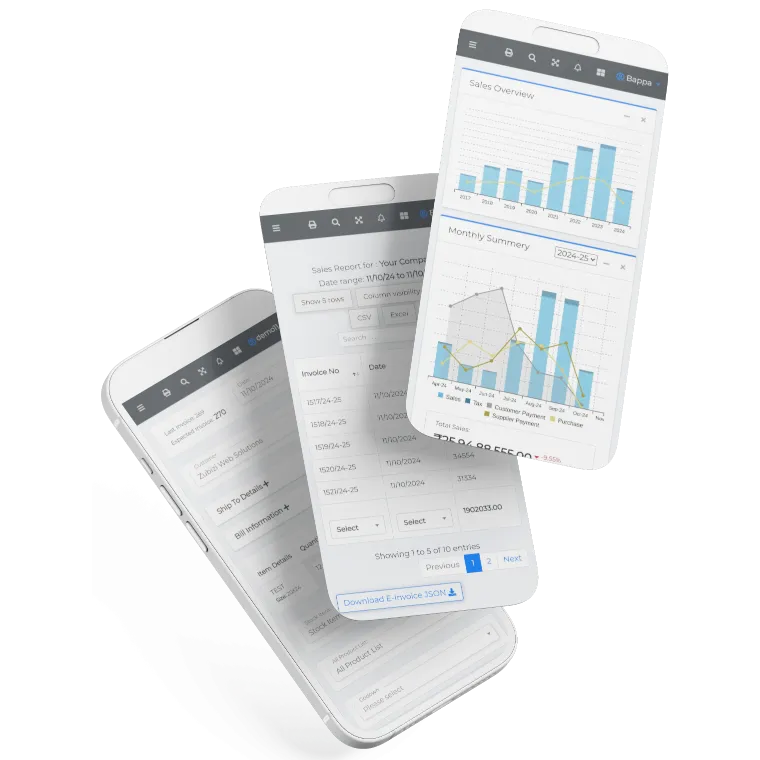
This free QR code generator is perfect for creating individual QR codes. But if you need QR codes for hundreds of products, payment counters, or inventory items, you need a complete solution. Zubizi ERP includes built-in QR code and barcode generation for your entire product catalog, along with billing, inventory, and GST compliance.
Get a personalized demo to see how Zubizi can streamline your retail operations. Our team will show you how easy it is to manage products, generate codes, and track inventory with a single system.

Frequently Asked Questions About Our Free QR Code Generator
Common questions about generating QR codes, formats, and usage.