Free PDF Password Remover Online
Unlocking a password-protected PDF should not mean uploading your private files to a stranger's server. Most online tools do exactly that. This free PDF password remover works entirely in your browser. Your file never leaves your device.
Drag and drop your PDF here
or click to browse files
Your files are 100% private. All processing happens directly in your browser. Your PDFs are never uploaded to any server. Close this page and everything is gone.
How to Use the PDF Password Remover?
Remove password protection from any PDF file in four simple steps. No technical knowledge needed.
Upload Your PDF
Click the upload area or drag and drop your password-protected PDF into the tool. Your file is loaded directly in your browser and is never sent to any server.
Enter the Password
Type the current password for your PDF file. This is the password you already know and use to open the document. The tool needs it to unlock the file.
Remove the Password
Click the Remove Password button. The PDF password remover processes your file instantly in your browser. No waiting, no queues.
Download Your Unlocked PDF
Once the password is removed, download your new PDF file. Open it anytime without entering a password. The original file is not changed.
Why Use Our Free PDF Password Remover?
This PDF password remover is built with privacy and simplicity first. No ads, no tricks, no uploads. Just a fast, free tool that works.
Your Files Never Leave Your Device
This is the most important thing to know. Every other online PDF password remover uploads your file to a remote server for processing. We do not. This tool runs entirely in your browser using JavaScript. Your PDF is processed locally on your device. Nothing is sent, stored, or logged anywhere.
Completely Free, No Limits
Remove the password from as many PDFs as you want. There are no daily limits, no page count limits, and no file size restrictions. You do not need to pay, subscribe, or even create an account. This PDF password remover is free to use as many times as you need.
No Sign-Up Required
You should not need to hand over your email address just to unlock your own PDF. This tool requires zero sign-up and zero personal information. Open the page, use the tool, and you are done. It is that simple.
Works on Any Device
Whether you are on a Windows PC, a Mac, an Android phone, or an iPhone, this PDF password remover works the same way. Any modern browser supports it. No app to install, no software to download.
Instant Results
Because processing happens right in your browser, results are almost instant. There is no upload wait time, no server processing queue, and no email to wait for. You click Remove Password and your unlocked PDF is ready in seconds.
Handles Any PDF Size
Server-based tools often cap file sizes at 10MB or 50MB because storage costs money. Since this PDF password remover processes files locally, the only limit is your device's memory. Large PDFs with hundreds of pages work just fine on most modern devices.
Need to Manage More Than PDFs?
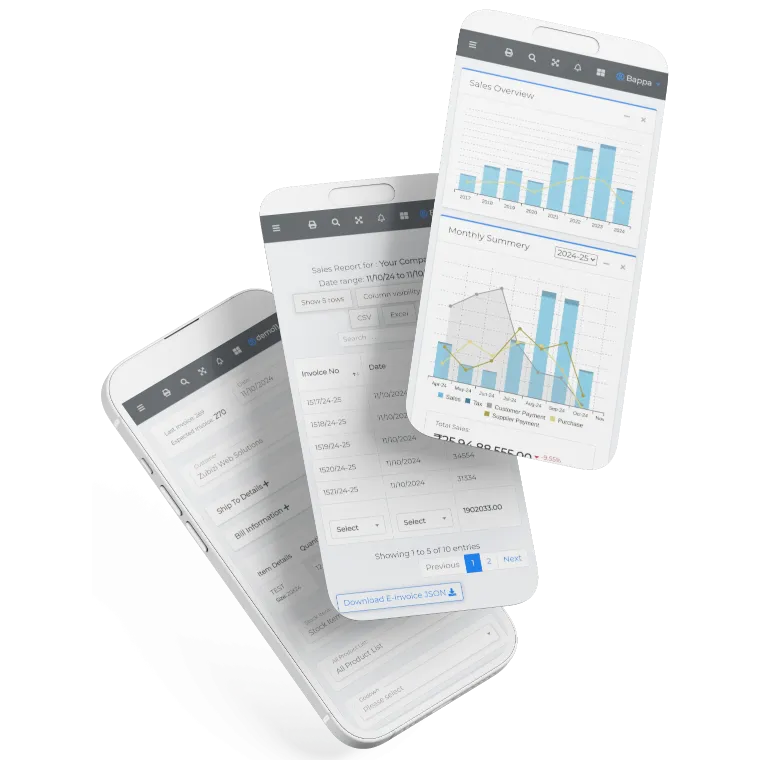
Zubizi is a complete business management platform built for growing businesses. Handle invoicing, inventory, sales, and more from one place. Try it free today.

Frequently Asked Questions
Common questions about our free PDF password remover.