Free Barcode Generator Online
Use this free barcode generator to create barcodes instantly in your browser. Supports 8 formats including Code 128, EAN-13, UPC-A, and more. Live preview, multiple download options, and zero signup required.
Versatile format for alphanumeric data
Enter any text or numbers
Customize Appearance
How to Use the Free Barcode Generator?
Generate a print-ready barcode in four simple steps. No signup needed.
Choose Your Barcode Format
Select a barcode type from the dropdown menu. The tool supports 8 formats: Code 128 (general purpose), EAN-13 (retail, 13 digits), UPC-A (US retail, 12 digits), Code 39 (logistics), ITF-14 (shipping containers), Codabar (libraries), MSI (inventory), and Pharmacode (pharma). A short hint below the dropdown tells you exactly what data each format accepts.
Enter Your Data
Type your text, product code, or number into the input field. Each format has its own validation rules. If your input does not match, a clear error message tells you exactly what to fix. The barcode preview on the right updates live as you type - no button click needed.
Customize the Appearance (Optional)
Use the sliders to adjust bar width (1px to 4px) and bar height (50px to 200px) to fit your label size. Toggle text display on or off and adjust font size (10px to 24px) if text is enabled. Every change reflects instantly in the live preview panel.
Download or Copy Your Barcode
Choose how you want to export your barcode. Click PNG for a high-resolution image (2x scale) ideal for printing. Click SVG for a scalable vector file perfect for packaging and design tools. Click PRN to download a ZPL file ready to send to Zebra or other thermal label printers. Or click Copy to paste the SVG directly into your design application.
Why Use Our Free Barcode Generator?
Our barcode generator is built for speed, accuracy, and simplicity. Whether you run a small shop or a large warehouse, you get professional barcodes in seconds - completely free.
Supports Multiple Barcode Formats
Generate barcodes in the most popular formats used worldwide. Choose from Code 128, Code 39, EAN-13, EAN-8, UPC-A, UPC-E, and QR Code. Each format is designed for specific use cases like retail, logistics, and inventory. You always get the right barcode for the job.
Instant Results, No Waiting
Your barcode is generated the moment you click the button. There is no processing delay, no queue, and no page reload. This makes it easy to create dozens of barcodes quickly when you need them for product labeling or stock management.
Download as PNG or SVG
Get your barcode in the format that suits your workflow. PNG files are great for printing directly on labels and stickers. SVG files scale perfectly without losing quality, making them ideal for packaging designs, websites, and large-format printing.
100% Free, No Signup Required
This barcode generator is completely free to use. You do not need to create an account, enter an email address, or provide any personal information. Just open the page and start generating barcodes right away.
Your Data Stays Private
All barcode generation happens directly in your browser. Your product codes, SKUs, and URLs are never sent to any server. This is especially important for businesses that handle sensitive product data or proprietary inventory codes.
Works on Any Device
Use the barcode generator on your desktop, laptop, tablet, or smartphone. The tool is fully responsive and works on all major browsers including Chrome, Firefox, Safari, and Edge. Generate barcodes on the go from any device.
Need More Than a Barcode Generator?
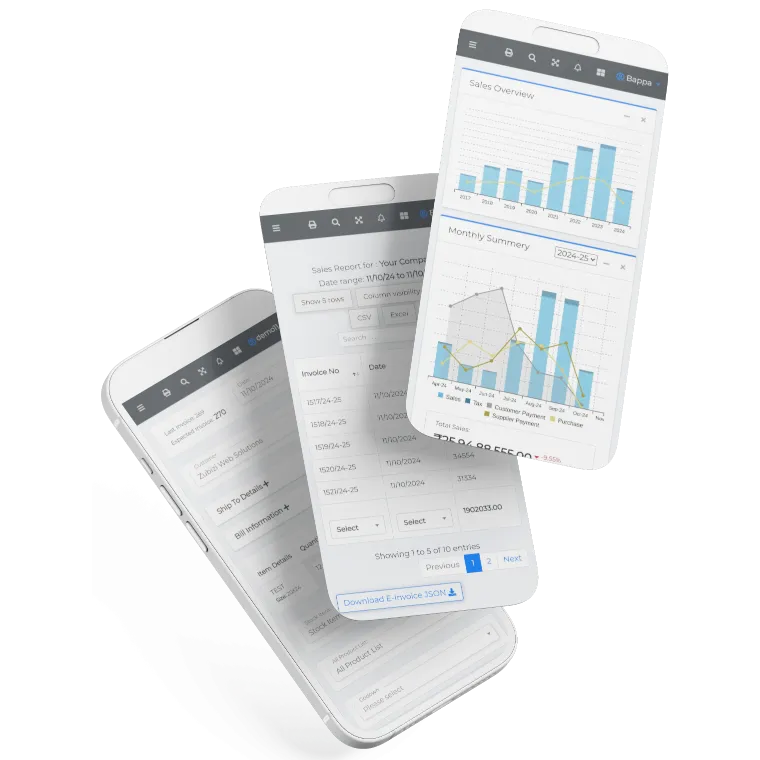
Zubizi gives you a complete business management system built for Indian businesses. Manage inventory, generate invoices, track sales, and more - all in one place. Try it free today.

Frequently Asked Questions
Common questions about our free barcode generator.