Free Cheque Printing Software Online—Free Cheque Writer
Writing cheques by hand is slow, messy, and leads to costly mistakes. A single error in the payee name, date, or amount can cause a cheque to bounce at the bank. Use our free cheque printing software to fill in every detail digitally and print a perfectly formatted, professional bank cheque in seconds. No cheque writing software download needed - it works right in your browser.
How to Print a Cheque Online?
Follow these simple steps to use our cheque printing software and get a print-ready cheque in seconds.
Select Your Bank Cheque Template
Choose from pre-loaded cheque templates that match standard Indian bank cheque formats. The layout automatically adjusts fields like payee line, amount box, and date position to fit your bank's cheque leaf dimensions. This ensures perfect alignment every time you print.
Enter Payee Name and Details
Type the full name of the person, business, or organisation you are paying. Double-check the spelling to avoid bank rejection. You can also mark the cheque as 'Account Payee Only' for added security, ensuring it can only be deposited into the named account.
Enter the Amount
Type the payment amount in numbers. Our system automatically converts the figure into words using standard Indian numbering format (lakhs and crores). This eliminates manual conversion errors, one of the most common reasons cheques get dishonored at banks.
Pick the Date and Print
Select the cheque date. You can set today's date or choose a future date for post-dated cheque payments. Then hit Print. Your browser's print dialog opens with a perfectly formatted cheque, ready for any laser or inkjet printer. Just load your cheque leaf and print.
Why Use Zubizi's Free Cheque Printing Software?
Stop writing cheques by hand. Our cheque printing software is the fastest, most accurate way to print professional bank cheques online. Free forever, no downloads, no signup, and no hidden charges.
100% Free Cheque Printing, No Signup Needed
This tool is completely free to use with no limits. You do not need to create an account, share your email, or download any software. Most tools in India charges a license fee or requires installation. Our cheque writer runs entirely in your browser. Open the page, enter your cheque details, and print. There are no hidden fees, no premium plans, and no trial period. Print as many cheques as you need, whenever you need them.
Automatic Amount-to-Words Conversion
Writing amounts in words is one of the most error-prone parts of cheque writing. A wrong word or misspelling can get your cheque rejected by the bank. The cheque writer converts any number into words instantly and accurately using the standard Indian numbering system (lakhs and crores). Whether it is a payment of 5,000 or 15,00,000, the conversion is automatic and precise. This feature alone saves time and prevents the most common reason for cheque dishonor.
Print-Ready Cheque Layout for Any Printer
The cheque layout in our software is designed to match standard Indian bank cheque leaf dimensions. When you click Print, the payee name, amount in figures, amount in words, and date all align correctly on the cheque. It works with laser printers, inkjet printers, and deskjet printers. No need to manually adjust margins, fonts, or page settings. The output is clean, professional, and ready to sign. Just load your blank cheque leaf into the printer tray and print.
Works on Any Device and Browser
Whether you use Google Chrome, Microsoft Edge, Mozilla Firefox, or Apple Safari, this cheque printing tool works perfectly. It is fully responsive and runs on desktop computers, laptops, and tablets without any software installation or browser extension. Unlike traditional desktop software for Windows that requires a download, you can access our tool from any device with an internet connection. This makes it ideal for business owners who need to print cheques from different machines or locations.
Your Financial Data Stays 100% Private
All data you enter, including the payee name, amount, date, and bank details, is processed directly in your browser. Nothing is sent to any external server. Your sensitive financial information never leaves your device. Unlike cloud-based tools that upload your data, our system keeps everything local. This is especially important for businesses handling confidential vendor payments, payroll cheques, or large financial transactions where data privacy is critical.
Fully Customizable Cheque Templates
Every bank has a different cheque layout. Our cheque writer includes a built-in template editor that lets you customize the exact position of every field - payee name, amount in words, amount in figures, date, and A/C Payee marking. Upload your bank's cheque image as the background, drag each field to the right spot, adjust date letter spacing, and save the template for future use. Create and save multiple templates for different banks so you never have to set up the layout again.
Need More Than Just Cheque Printing?
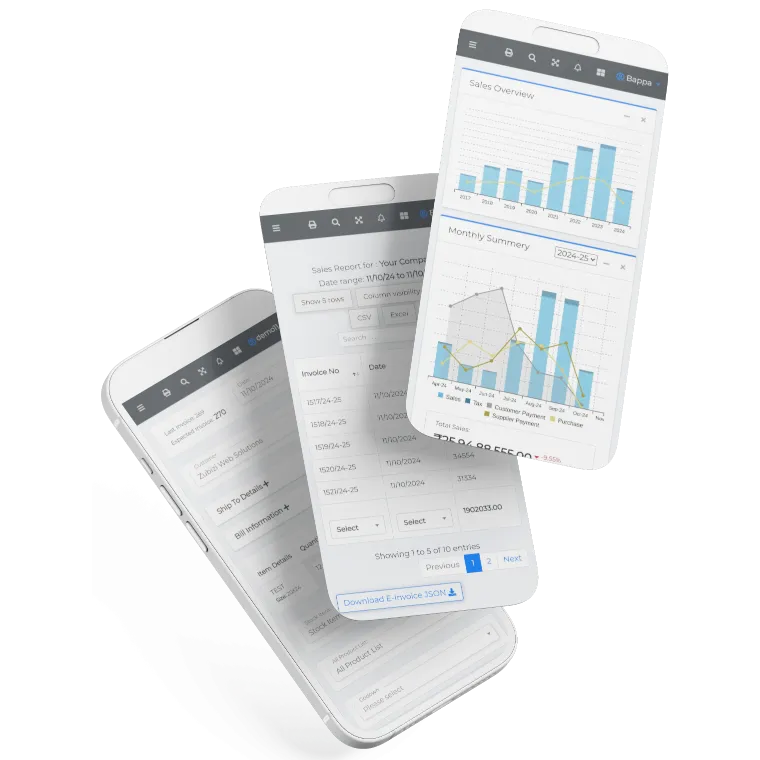
Zubizi is a complete ERP software built for Indian businesses. Print cheques directly while making worker payments or supplier payments. Track purchases, manage ledgers, handle invoicing, monitor inventory, and run your entire business from one place. Cheque printing is just one part of the full picture.

Frequently Asked Questions
Common questions about cheque printing software, cheque writing, and how to print cheques online.