Free GST Calculator Online
Calculating GST manually is confusing and prone to errors. One wrong calculation can mess up your entire invoice. Use our free GST Calculator with custom rate support to get 100% accurate results. Instantly calculate IGST, CGST, and SGST splits for any amount, inclusive or exclusive.
| Tax Component | Rate | Amount |
|---|---|---|
| CGST | 9% | ₹0.00 |
| SGST | 9% | ₹0.00 |
| Total GST | 18% | ₹0.00 |
How to use GST Calculator?
Follow these simple steps to calculate your tax liability in seconds.
Enter Amount & Rate
Start by entering the total taxable value of your product or service. Then, select the applicable GST slab (5%, 12%, 18%, 28%) or manually input a custom tax percentage based on your needs.
Choose Tax Calculation
Decide whether the amount you entered is exclusive of tax (Add GST) or inclusive of tax (Reverse GST). Our calculator instantly adjusts the final figures based on this selection.
Select Transaction Type
Specify if the transaction is within the same state (Intra-state) to see CGST & SGST splits, or between different states (Inter-state) to calculate the single IGST component.
Get Detailed Breakdown
Instantly view the complete tax summary, including the Net Amount, Total GST, and Grand Total. Use the results for accurate invoicing and error-free tax filing.
Why Choose Zubizi's Free Online GST Calculator?
Experience the fastest and most accurate way to calculate Goods and Services Tax for your business. Our advanced GST Calculator simplifies complex tax computations, ensuring 100% compliance and error-free invoicing every time.
Custom GST Rates
Not limited to standard slabs. Enter any percentage to calculate compliant invoices for unique goods or services. Flexible for all tax scenarios.
Detailed Tax Breakdown
Automatically splits tax into Central (CGST) and State (SGST) tax for intra-state supply, or Integrated (IGST) tax for inter-state supply.
Reverse GST Support
Easily calculate the original pre-tax value from any GST-inclusive amount. This feature is perfect for traders and businesses who need to back-calculate taxes from total bill amounts quickly and accurately.
100% Private
Your financial data stays completely secure on your device. We do not store or send your data to any server. All calculations are processed locally in your browser for maximum privacy.
Mobile Friendly
Access our tool from anywhere on any device. Whether you are on a smartphone, tablet, or desktop computer, enjoy a fully responsive and seamless experience that lets you calculate on the go.
No Signup Needed
Start using the calculator immediately without any barriers. We don't require you to create an account, provide an email, or log in, ensuring a frictionless and hassle-free experience every time.
Simplify Your Business Invoicing & Billing Today
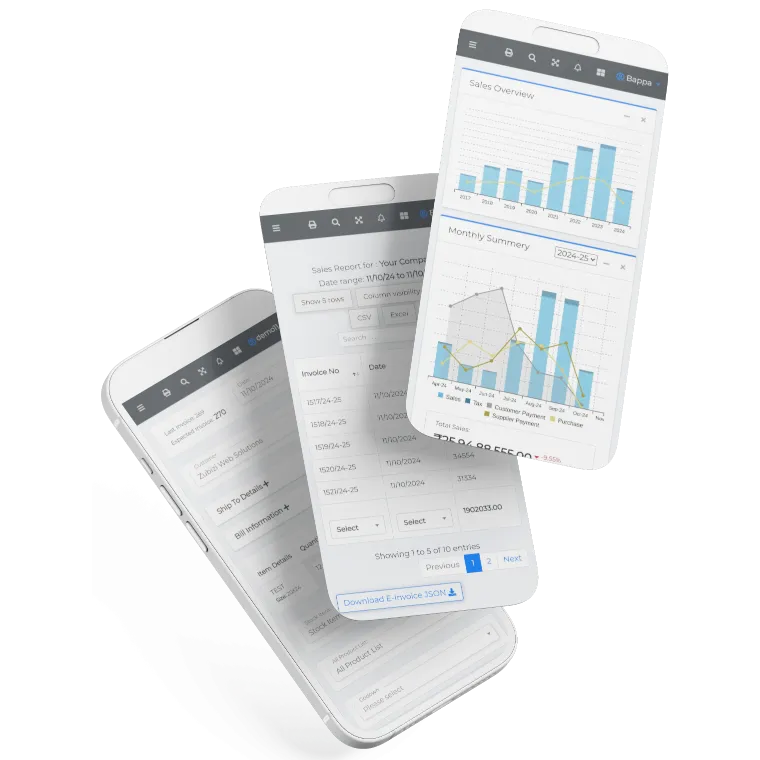
Stop relying on manual calculations that can lead to costly errors. Upgrade to Zubizi for a complete, automated billing, inventory, and GST compliance solution that streamlines your entire business operations.

Frequently Asked Questions
Common questions about our GST Calculator.