How to Download GST Certificate: A Step-by-Step Guide
Learn how to download your GST registration certificate from the GST portal in just a few simple steps. Essential guide for business owners.

What is a GST Certificate?
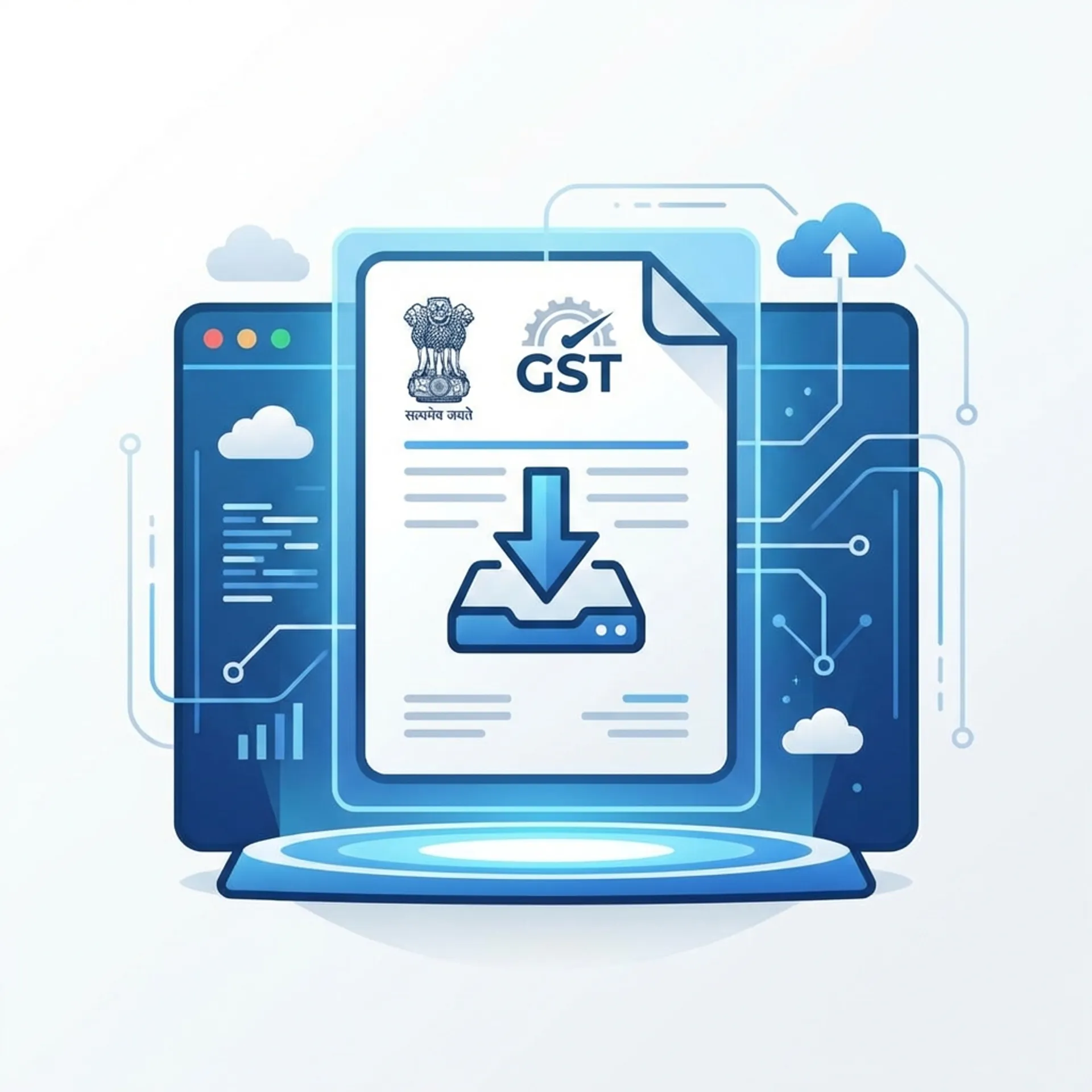
A GST Certificate (Form GST REG-06) is an official document issued by the Government of India to businesses registered under the Goods and Services Tax (GST) system. It serves as proof that your business is legally registered and authorized to collect GST from customers.
Every registered business is required to prominently display this certificate at their primary place of business and all additional places of business.
If you have just registered for GST or need a copy for banking or clear tax compliance, downloading it is a straightforward process. You do not need to visit any government office; you can simply download it from the official GST portal.
[!CAUTION] Important: The GST Department does not send any physical certificate via post. Downloading it from the portal is the only way to get your valid certificate. Please be careful if anyone claims otherwise or asks for money to send a physical copy.
Prerequisites for Downloading
Before you start, make sure you have:
- Valid Credentials: Your GST Portal username and password.
- Internet Access: A stable internet connection to access the GST portal.
- Registration Approved: Your GST registration application must be approved. You cannot download the certificate if the application is still pending.
Step-by-Step Guide: How to Download GST Certificate
Follow these simple steps to download your GST Registration Certificate:
Step 1: Visit the GST Portal
Open your web browser and go to the official GST website: https://www.gst.gov.in/
Step 2: Log In to Your Account
- Click on the Login button located at the top right corner of the homepage.
- Enter your Username, Password, and the Captcha code shown on the screen.
- Click Login.
Step 3: Navigate to User Services
- Once logged in, look at the dashboard menu.
- Click on Services.
- Select User Services from the dropdown menu.
- Click on View/Download GST Registration Certificate.
Step 4: Download the Certificate
- You will see the details of your GST registration certificate on the screen.
- Look for the Download button (usually a blue icon).
- Click it to save the certificate to your computer or mobile device.
The file will be downloaded in PDF format.
What Does the GST Certificate Contain?
Your downloaded GST certificate (Form GST REG-06) will include important details such as:
- GSTIN: Your unique Goods and Services Tax Identification Number.
- Legal Name: The registered name of your business.
- Trade Name: The name under which you do business (if different).
- Constitution of Business: (e.g., Proprietorship, Partnership, Private Limited).
- Date of Liability: The date from which you are liable to pay tax.
- Period of Validity: Usually valid indefinitely unless cancelled.
- Type of Registration: (e.g., Regular, Composition).
- Details of the Approving Authority.
Frequently Asked Questions (FAQ)
1. Is the GST certificate valid for a lifetime?
Yes, for regular taxpayers, the GST registration certificate is valid indefinitely unless it is surrendered by the taxpayer or cancelled by the GST authority.
2. Can I download the GST certificate without logging in?
No, you must log in to the GST portal with your valid credentials to download your certificate. It acts as a secure document for your specific business.
3. What if I forgot my username or password?
On the login page, you can use the “Forgot Username” or “Forgot Password” links. You will need access to your registered email ID and mobile number to reset them using an OTP.
4. Do I need to physically sign the downloaded certificate?
No, the downloaded PDF is digitally signed by the GST authority and is a valid legal document. You do not need to physically sign it.
5. Why is the “Download” button not visible?
If you cannot see the download option, ensure your registration has been approved. If your application status is still “Pending,” the certificate will not be generated yet.
Conclusion
Possessing your GST certificate is not just a legal formality; it is a sign of a credible and compliant business. We recommend keeping a digital copy safe and printing a physical copy to display at your business premises as required by law.
If you are looking for software to help you manage your GST billing and filing easily, check out Zubizi. Our software simplifies invoicing and ensures you stay compliant without the headache.