7 Best Business Intelligence Tools to Use in 2026
Discover the top 7 business intelligence tools for 2026 with pros, cons, and use cases. Plus, 2 free sales analysis tools to get started with BI today.

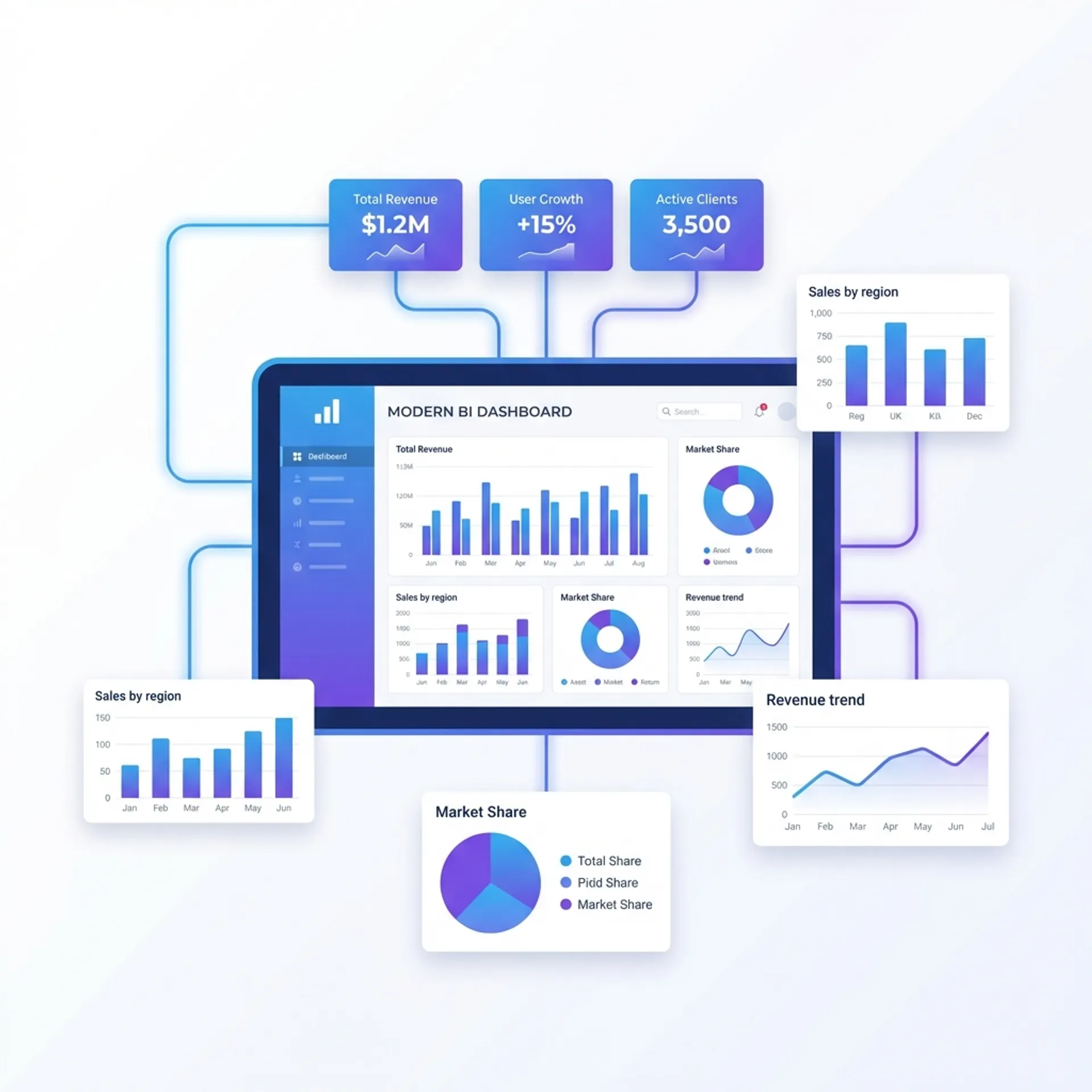
Introduction: Why Business Intelligence Tools Matter in 2026
Making business decisions based on gut feeling is risky. In 2026, companies that use data to guide their strategies consistently outperform those that do not. This is where business intelligence tools come in.
Business intelligence tools transform raw data from your sales, inventory, customer interactions, and financial records into actionable insights. They help you spot trends, identify opportunities, and catch problems before they become disasters.
But with dozens of BI tools available, choosing the right one can feel overwhelming. Each tool has different strengths, pricing models, and learning curves.
In this guide, I will walk you through the 7 best business intelligence tools for 2026. For each tool, you will learn:
- What it does best
- Pros and cons
- Who should use it
- Whether it is expensive or affordable
Plus, I am including 2 free bonus tools that you can start using today - no signup required.
1. Microsoft Power BI - Best for Microsoft Ecosystem Users
If your business already runs on Microsoft products like Excel, Azure, and Teams, Power BI is the obvious choice. It integrates seamlessly with the Microsoft ecosystem and offers robust analytics at a competitive price.
What It Does Best
Power BI excels at turning Excel data into interactive dashboards. You can connect to hundreds of data sources, from cloud databases to simple spreadsheets. The drag-and-drop interface makes creating reports straightforward, even for beginners.
The AI-powered features are impressive. Copilot can answer questions about your data in plain English. Ask “What were my top-selling products last month?” and get instant visual answers.
Pros
- Affordable - Free desktop version available; Pro plans are budget-friendly for most businesses
- Deep Microsoft Integration - Works naturally with Excel, Teams, SharePoint, and Azure
- User-Friendly - Intuitive drag-and-drop interface for report creation
- Strong AI Features - Natural language queries and automated insights
- Extensive Data Connectors - Connects to nearly any data source you use
Cons
- Advanced Features Have a Learning Curve - DAX formulas can be complex for non-technical users
- Performance Issues with Large Datasets - May slow down with very large data volumes
- Best in Microsoft Ecosystem - Less optimal if you use Google Workspace or Linux
Who Should Use It
Power BI is ideal for small to mid-sized businesses already using Microsoft 365. If your team works in Excel daily and you want to level up your reporting without a massive budget, this is your best bet.
Pricing: Affordable - Free desktop version, cheap Pro plans
2. Tableau - Best for Advanced Data Visualization
Tableau is the gold standard for creating beautiful, sophisticated data visualizations. If your goal is to tell compelling stories with data, Tableau provides the most powerful canvas.
What It Does Best
What sets Tableau apart is visualization flexibility. While other tools offer standard charts, Tableau lets you create highly customized visual representations that reveal insights hidden in complex datasets. The in-memory engine handles large datasets efficiently, connecting to over 75 data sources.
Tableau has a massive community. Tableau Public offers thousands of examples and templates. When you get stuck, someone has likely solved your problem before.
Pros
- Industry-Leading Visualizations - Unmatched flexibility in creating interactive charts and dashboards
- Handles Large Datasets - Powerful in-memory engine for processing millions of rows
- Active Community - Extensive resources, tutorials, and public dashboards to learn from
- Deep Data Exploration - Excellent for drilling into complex data relationships
Cons
- Expensive - Per-user licensing adds up quickly for larger teams
- Steep Learning Curve - Advanced features require significant time to master
- Scheduled Data Updates - Real-time data requires additional setup
- Limited Collaboration - Less intuitive for team-based dashboard creation
Who Should Use It
Tableau is best for data analysts and companies that prioritize visual storytelling. If you have dedicated analytics staff and budget for premium tools, Tableau delivers exceptional value.
Pricing: Expensive - Premium licensing with significant per-user costs
3. Looker (Google Cloud) - Best for Data Governance
Looker takes a different approach than traditional BI tools. Instead of focusing on visualization, it emphasizes data modeling and governance. Every metric is defined once, ensuring consistency across your entire organization.
What It Does Best
With Looker’s modeling language (LookML), you define business logic centrally. When someone asks “What is our customer churn rate?”, everyone sees the exact same number calculated the same way. This eliminates the chaos of different departments using different definitions.
Being part of Google Cloud, Looker integrates beautifully with BigQuery and other Google services.
Pros
- Strong Data Governance - Centralized metric definitions prevent inconsistency
- Modern Data Stack Integration - Works well with Snowflake, BigQuery, and cloud warehouses
- Excellent for Embedding - Strong APIs for embedding analytics in your own applications
- Version Control - Track changes to data models like code
Cons
- Slow Setup - LookML requires engineering effort, delaying time-to-value
- Technical Overhead - Not ideal for non-technical users
- Expensive - High costs that scale with usage
- Fewer Visualization Options - Not as visually flexible as Tableau or Power BI
Who Should Use It
Looker is best for larger organizations with data engineering teams who need strict governance. If you are embedding analytics into your own product, Looker’s API capabilities are excellent.
Pricing: Expensive - Enterprise-focused pricing model
4. Qlik Sense - Best for Exploratory Data Analysis
Qlik Sense uses an associative data model that is fundamentally different from traditional BI tools. Instead of predefined drill-down paths, you can explore data from any angle and discover unexpected relationships.
What It Does Best
The associative engine highlights connections across your entire dataset. Click on any data point, and Qlik instantly shows you everything related - and everything that is not. This makes it exceptional for discovering insights you did not know to look for.
Pros
- Unique Associative Engine - Explore data relationships without predefined paths
- Powerful for Discovery - Excellent at finding non-obvious patterns in complex data
- Strong Scalability - Handles enterprise-level data volumes with in-memory processing
- AI-Assisted Insights - Guides users toward interesting findings
Cons
- Dated Interface - UI feels less modern than newer competitors
- Complex Setup - Requires experienced BI developers for initial configuration
- Steep Learning Curve - Takes time to fully leverage associative capabilities
- Not Intuitive for Casual Users - Better suited for analysts than business users
Who Should Use It
Qlik is ideal for data teams that need deep exploratory analysis. If you are dealing with complex, interconnected datasets and want to find hidden patterns, Qlik’s associative model is uniquely powerful.
Pricing: Moderate to Expensive - Enterprise pricing with various licensing options
5. Metabase - Best Open-Source Option
Metabase proves that powerful BI does not require a massive budget. As an open-source tool, you can deploy it for free on your own infrastructure and still get professional-grade analytics.
What It Does Best
Simplicity is Metabase’s strength. Non-technical users can ask questions of their data without writing SQL. The interface guides you through creating queries visually, making data accessible to everyone in your organization.
Setup takes minutes, not days. Point Metabase at your database, and you can start exploring immediately.
Pros
- Free Open-Source Version - No licensing costs when self-hosted
- Extremely User-Friendly - Designed for business users, not just analysts
- Fast Setup - Deploy and start using in minutes
- Query Without SQL - Visual query builder for non-technical users
- Self-Hosted Privacy - Your data never leaves your servers
Cons
- Limited Advanced Features - Complex analysis may require SQL knowledge
- Performance at Scale - May struggle with very large datasets
- Basic Visualizations - Fewer options compared to premium tools
- Embedding Limitations - Advanced embedding requires paid plans
Who Should Use It
Metabase is perfect for startups, small businesses, and budget-conscious teams. If you want to democratize data access without spending on expensive licenses, start here.
Pricing: Free (open-source) to Affordable (paid plans for advanced features)
6. Sisense - Best for Embedded Analytics
Sisense shines when you need to embed analytics directly into your own software product. If you are building an application and want to offer your users data insights, Sisense provides the infrastructure.
What It Does Best
The platform is built around embedding. White-label options, extensive APIs, and flexible deployment (cloud, on-premises, or hybrid) make it easy to integrate analytics wherever your users need them.
Sisense also handles data preparation well, combining data from multiple sources without requiring a separate ETL tool.
Pros
- Embedding Focus - Purpose-built for embedding analytics in applications
- Handles Complex Data - Strong performance with large, diverse datasets
- Flexible Deployment - Cloud, on-premises, or hybrid options
- AI-Powered Insights - Smart assistants and automated analysis
Cons
- High Cost - Pricing can be prohibitive for smaller teams
- Complex Setup - Requires technical expertise to configure properly
- Opaque Pricing - Difficult to predict costs without sales engagement
- Learning Curve - Not as intuitive for casual users
Who Should Use It
Sisense is designed for software companies building analytics into their products. If embedded analytics is your primary use case, Sisense deserves serious consideration.
Pricing: Expensive - Enterprise pricing, quote-based
7. Domo - Best All-in-One Platform
Domo tries to be everything: data warehouse, transformation tool, visualization platform, and application builder. For organizations that want one tool to rule them all, Domo offers comprehensive capabilities.
What It Does Best
Integration breadth is impressive. Domo connects to hundreds of data sources out of the box. The collaboration features let teams discuss and share insights directly within the platform.
The low-code app builder allows you to create custom data applications without heavy development.
Pros
- All-in-One Platform - Data preparation, visualization, and apps in one place
- Extensive Integrations - Hundreds of pre-built connectors
- Strong Collaboration - Built-in commenting and sharing features
- Real-Time Data - Live dashboards with automatic updates
- AI Features - Forecasting and automated insights
Cons
- High Cost - One of the more expensive options, especially at scale
- Complex Pricing - Credit-based model can be difficult to predict
- Overwhelming Features - Can feel bloated if you only need basic BI
- Learning Curve - Mastering all features takes significant time
Who Should Use It
Domo suits mid-sized to large enterprises that want a unified platform. If you are frustrated with managing multiple tools and want everything in one place, Domo delivers.
Pricing: Expensive - Credit-based model plus per-user fees
Quick Comparison: Which Business Intelligence Tool Is Right for You?
| Tool | Best For | Technical Skill Needed | Cost |
|---|---|---|---|
| Power BI | Microsoft users | Low to Medium | Affordable |
| Tableau | Advanced visualization | Medium to High | Expensive |
| Looker | Data governance | High | Expensive |
| Qlik Sense | Exploratory analysis | Medium to High | Moderate-Expensive |
| Metabase | Budget-conscious teams | Low | Free-Affordable |
| Sisense | Embedded analytics | High | Expensive |
| Domo | All-in-one needs | Medium | Expensive |
How to Choose the Right Business Intelligence Tool
Before picking a tool, ask yourself these questions:
What is Your Technical Capability?
If your team has SQL knowledge and data engineering skills, tools like Looker or Qlik become viable. If you need something anyone can use, start with Power BI or Metabase.
What is Your Budget?
Free tools like Metabase can handle many use cases. Premium tools like Tableau and Sisense provide advanced capabilities but at significant cost. Power BI offers strong value in the middle ground.
What is Your Existing Tech Stack?
Already using Microsoft 365? Power BI is the natural choice. Heavy Google Cloud user? Consider Looker. Using open-source databases? Metabase fits well.
What is Your Primary Use Case?
- Executive dashboards: Power BI or Tableau
- Self-service analytics: Metabase or Power BI
- Data exploration: Qlik Sense
- Embedded analytics: Sisense or Looker
- All-in-one platform: Domo
Bonus: 2 Free Sales Analysis Tools from Zubizi
While enterprise BI tools are powerful, sometimes you just need quick insights from your sales data without dealing with complex setups. That is exactly why we built these free tools at Zubizi.
Free Sales Analysis Dashboard
Our Free Sales Analysis Dashboard lets you visualize your sales data instantly. Upload a CSV or Excel file, and get:
- Financial Year Summaries - See performance across Indian fiscal years (April-March)
- Monthly and Weekly Trends - Track patterns across multiple years
- Customer Segmentation - RFM analysis to identify VIP, Regular, At-Risk, and New customers
- Top Customer Rankings - Know who your most valuable buyers are
Key Features:
- No signup required
- 100% browser-based processing (your data stays private)
- Supports CSV and Excel files from any billing software
- Designed for Indian financial year structure
Free Sales Items Analysis Tool
For product-level insights, try our Free Sales Items Analysis Tool. It gives you:
- Total Revenue and Yearly Breakdowns - Understand your sales trajectory
- Top 10 Best-Selling Products - See which items drive your business
- Monthly Sales Trends - Visual charts comparing performance across years
- Top 10 Customers - Identify your biggest buyers with purchase frequency data
Both tools work with exported data from any system - whether you use Tally, Busy, MARG, QuickBooks, or any other billing software.
From Your ERP to Robust Business Intelligence
Here is something I have seen many times working with retailers and manufacturers: they have valuable data locked in their billing or ERP software but no easy way to analyze it.
If you use Zubizi ERP, you can export your sales, inventory, and customer data as CSV or Excel files. This exported data works perfectly with:
- Our free tools - For quick insights without any setup
- Metabase or Power BI - For more advanced dashboards
- Any BI tool - Standard export formats work everywhere
This approach gives you the best of both worlds. Your day-to-day operations run on reliable ERP software, while your analysis can happen in whatever tools suit your needs. You are not locked into any single platform.
The key is having clean, exportable data. Whether you are running a garment factory, a retail chain, or a distribution business, the ability to pull your transactional data and feed it into BI tools unlocks insights that spreadsheets alone cannot provide.
Conclusion: Start Simple, Scale as Needed
You do not need the most expensive business intelligence tool to make data-driven decisions. Start with what fits your budget and technical skills.
For most Indian SMEs, I recommend this progression:
- Start Free - Use our free sales analysis tools to understand your data
- Graduate to Metabase or Power BI - When you need more customization
- Consider Enterprise Tools - When you have dedicated analytics staff and complex needs
The best BI tool is the one your team actually uses. Pick something accessible, start getting insights, and evolve your analytics capability over time.
If you are looking for billing and ERP software that keeps your data organized and exportable for analysis, explore Zubizi - we built it with data accessibility in mind.
Frequently Asked Questions
What is the best free business intelligence tool?
Metabase is the best free option for most businesses. It is open-source, easy to set up, and powerful enough for most analytics needs. For quick sales analysis without any setup, try Zubizi’s free sales analysis tools.
Is Power BI better than Tableau?
It depends on your needs. Power BI is more affordable and integrates better with Microsoft products. Tableau offers superior visualization capabilities and is preferred by data analysts. For most small to mid-sized businesses, Power BI provides better value.
Do I need coding skills to use business intelligence tools?
Not necessarily. Modern BI tools like Power BI, Metabase, and Domo are designed for business users without coding experience. Advanced features may require SQL knowledge, but basic dashboards are accessible to everyone.
Can I use business intelligence tools with my existing software?
Yes. Most BI tools connect to common data sources including Excel, CSV files, popular databases, and cloud services. If your software can export data to CSV or Excel, you can analyze it in any BI tool.
What is the difference between BI tools and Excel?
BI tools provide interactive dashboards, automatic data refresh, better handling of large datasets, and easier sharing. Excel is great for ad-hoc analysis but becomes cumbersome when you need consistent, regularly updated reports across your organization.